

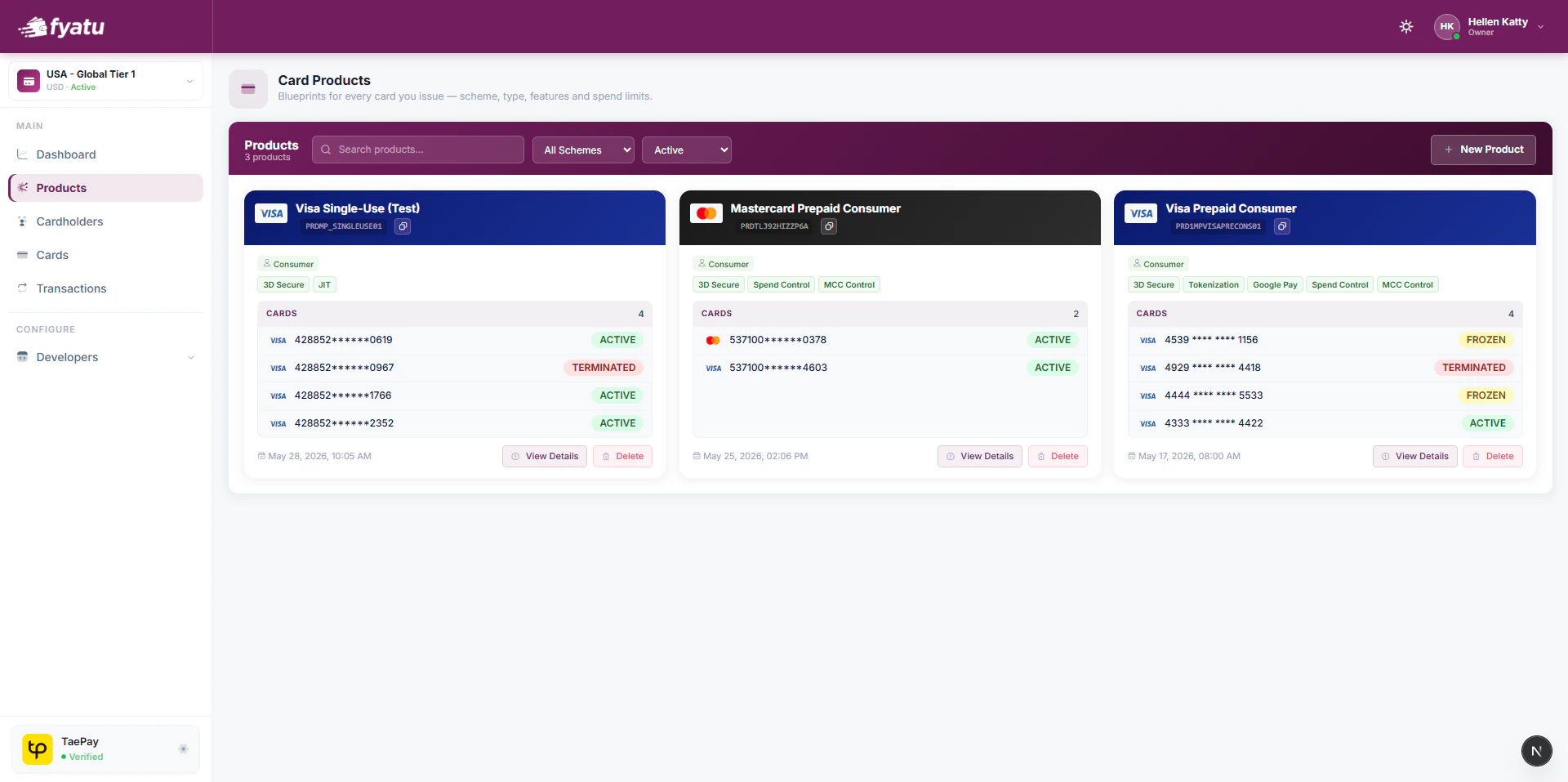
Creating a Product
1
Go to Products
Click Products in the CaaS Portal sidebar.
2
Click New Product
Select the card scheme (Visa or Mastercard) and give the product a name.
3
Enable features
Toggle the features you need — 3D Secure, Apple Pay / Google Pay tokenisation, JIT Funding, Spend Controls, and MCC Controls.
4
Set limits
Configure per-card spending limits and any merchant category restrictions (allowed or blocked MCC codes).
5
Activate
Once configured, activate the product. All cards issued under it immediately inherit its settings.
Product Configuration
Features
Issuing Cards from a Product
Once a product is active, pass itsproductId when creating cards via the API:
productId is shown on the product detail page in the portal and returned by the List Products endpoint.