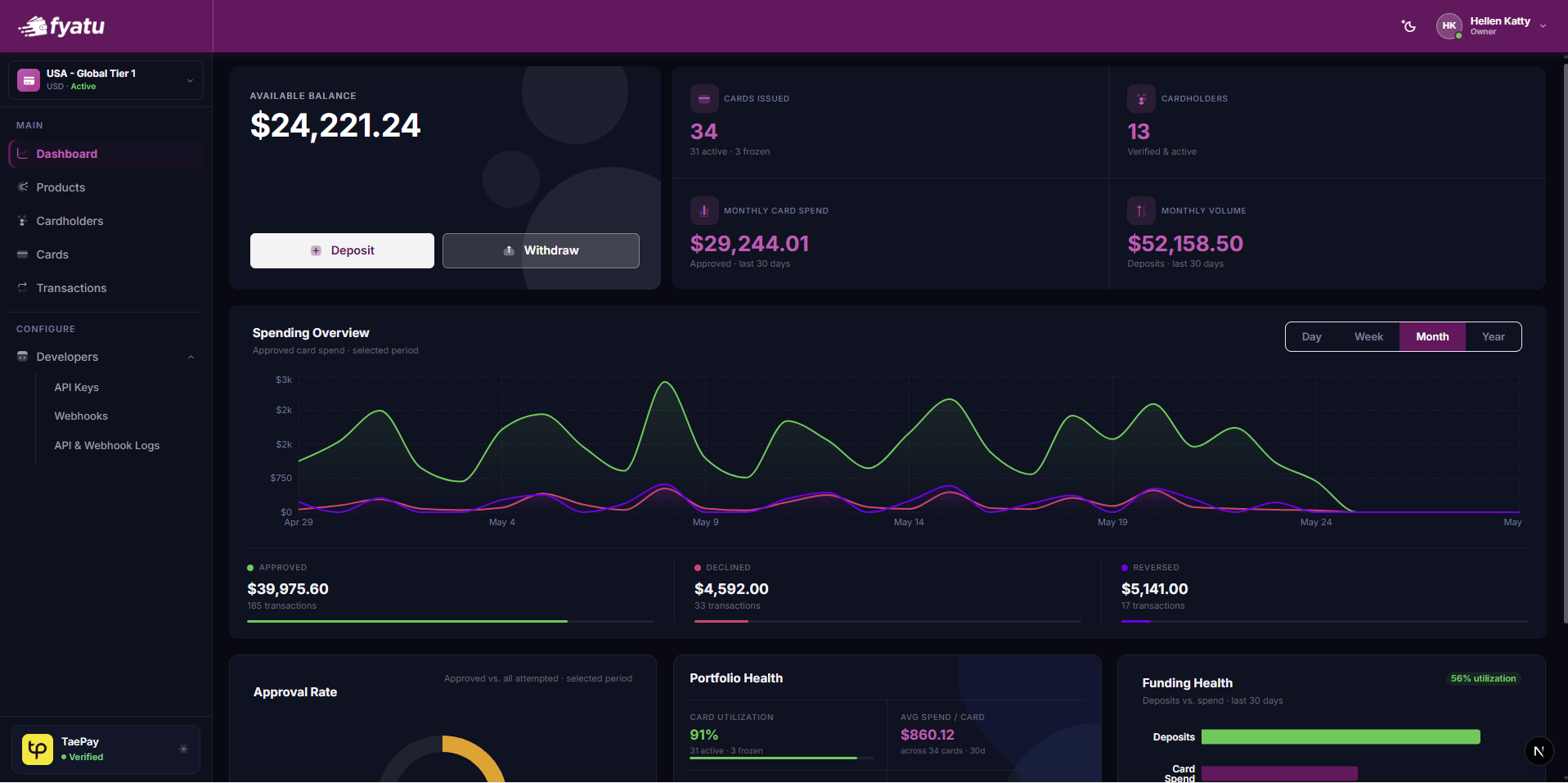
Card Products
Define your card program template — set the card scheme, features, spend limits, and MCC restrictions.
Cardholders
Manage cardholder identities, monitor KYC status, and perform lifecycle actions.
Cards
View all issued cards, monitor balances, and perform freeze, fund, and terminate operations.
API Keys & Webhooks
Generate scoped API keys, configure webhook endpoints, and review API request logs.
Billing & Funding
Fund your program balance, pay invoices via USDT, and track your deposit history.
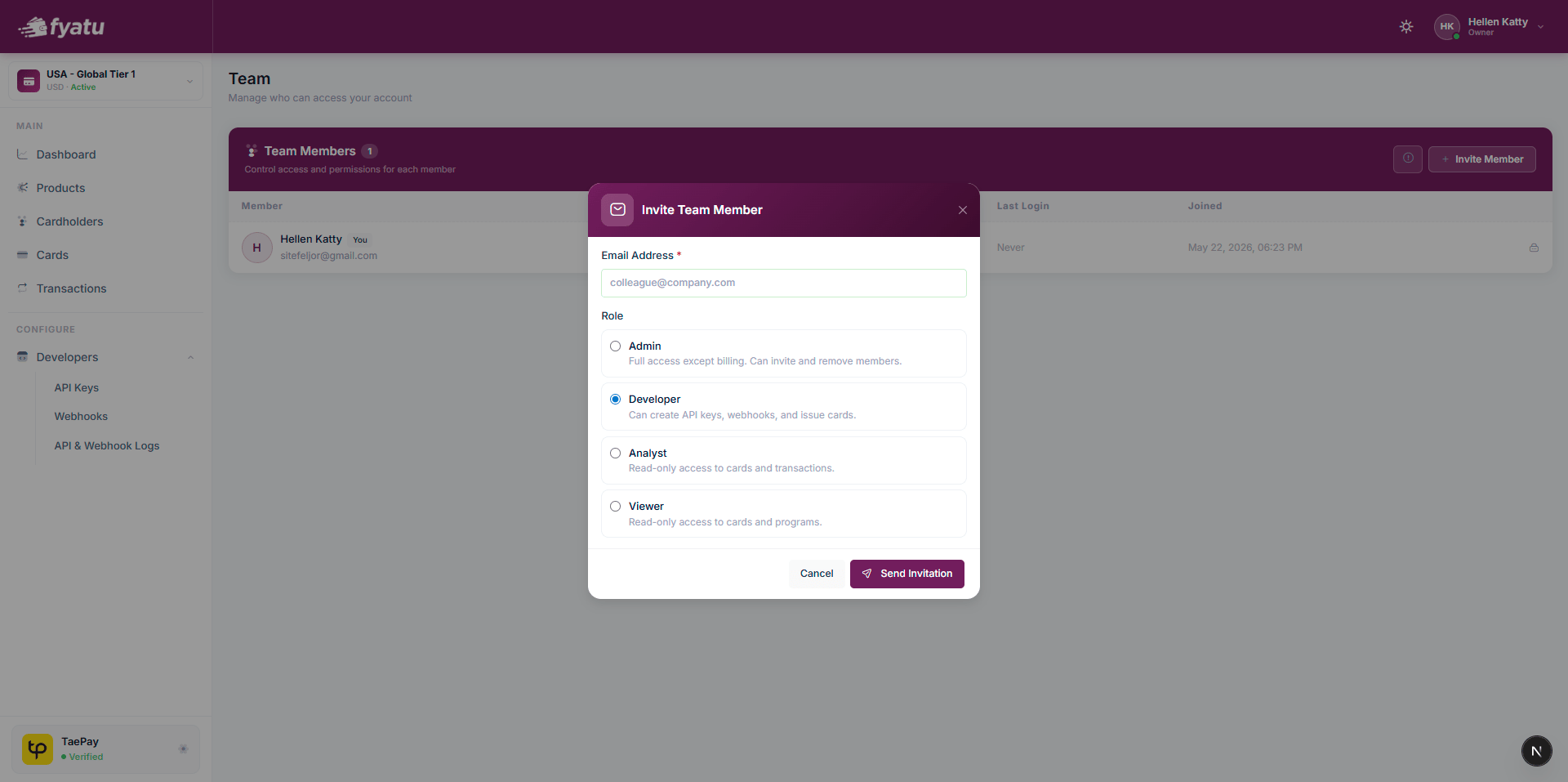
Team
Invite team members, assign roles, and manage access permissions.
How to Access
Access to the CaaS Portal is by invitation only. Fyatu provisions your account after you contact the sales team and complete onboarding.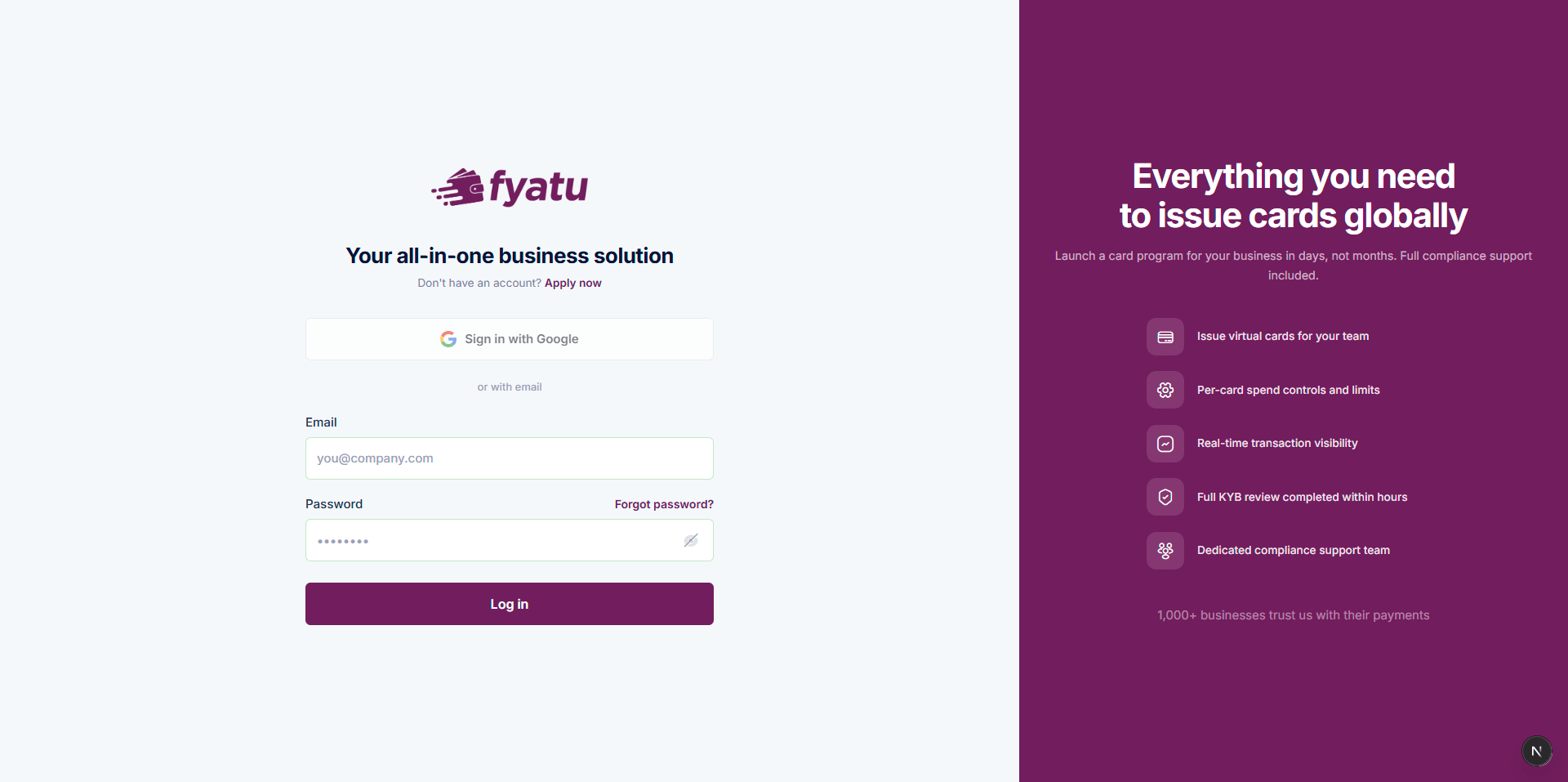
1
Contact Fyatu sales
Reach out at fyatu.com/contact or email sales@fyatu.com to discuss your card program requirements.
2
Sign the agreement and pay the setup fee
After agreeing on commercial terms, pay the one-time program setup fee to initiate provisioning.
3
Accept your invitation
You receive an invitation email. Click the link to create your administrator account on platform.fyatu.com.
4
Complete KYB
Submit your business verification documents through the guided 6-step KYB onboarding flow.
5
Start in Sandbox
Once onboarding is complete, you have immediate access to the Sandbox environment to build and test your integration.
Environments
The CaaS Portal operates two fully isolated environments:
The environment switcher is visible in the top navigation bar of the portal. Your API keys, products, cardholders, and cards are separate between environments.
Team Management
Invite team members from Settings → Team. Each member is assigned a role that controls what they can see and do in the portal: